Blogs
4 mins
Top 5 Productivity Tools Every Entrepreneur Needs in 2025

Blogs
Table of Contents
As an entrepreneur in 2025, your day is fully packed: marketing, sales, product, operations and hiring.
Your tools should work with you, not against you.
So which apps deserve a spot in your toolkit this year?
Here are five that help you stay sharp, stay aligned, and stay ahead.
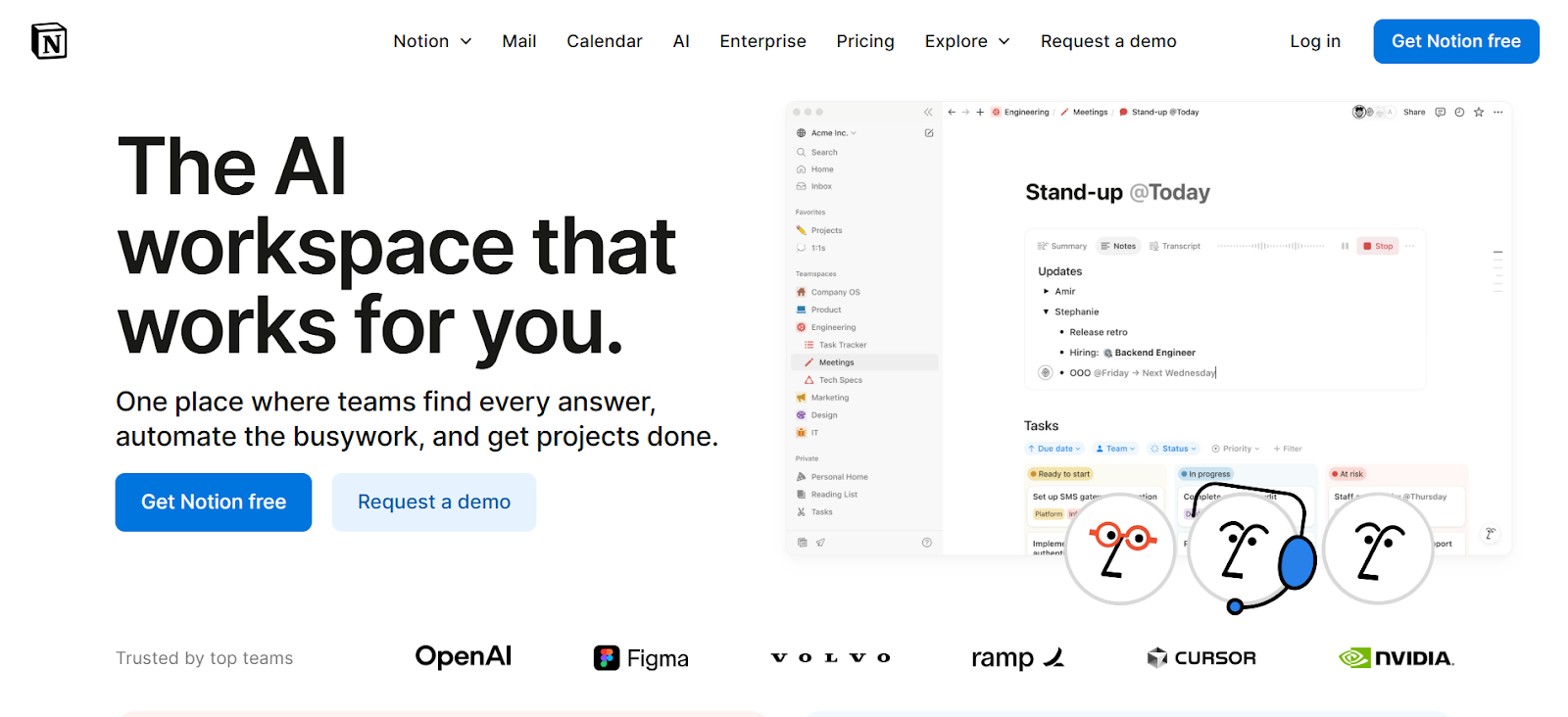
It is the one place for notes, docs, tasks and databases. It replaces scattered tools and centralizes your knowledge.
You want your teammates, freelancers, and yourself all to see the same information? Choose Notion.
There will not be “Which version is correct?” confusion anymore.
Pages can get messy.
Create consistent naming, folder rules, and templates early.
Use relational databases to connect project tasks with product specs, content calendars, and client notes. Soon everything will link up.
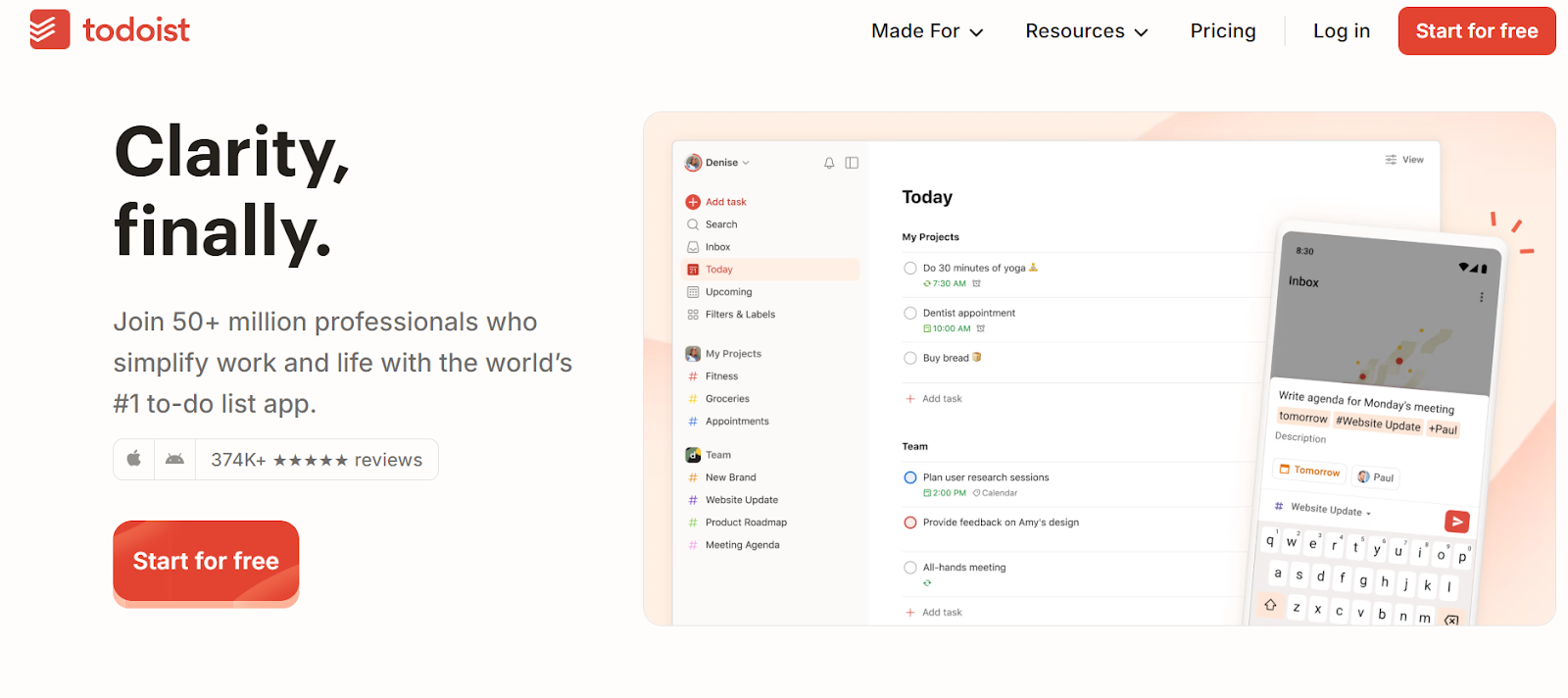
It balances simplicity with power. It’s not overkill, but it keeps you accountable at the same time.
When you have to juggle multiple projects or clients, and need a clean, prioritized list that can scale.
Inbox explosion. If you dump everything into “Inbox,” you’ll lose structure.
Use labels, due dates, and sections.
Use recurring tasks and “next actions” to push priorities forward.
Let Todoist nudge you but not overwhelm you.
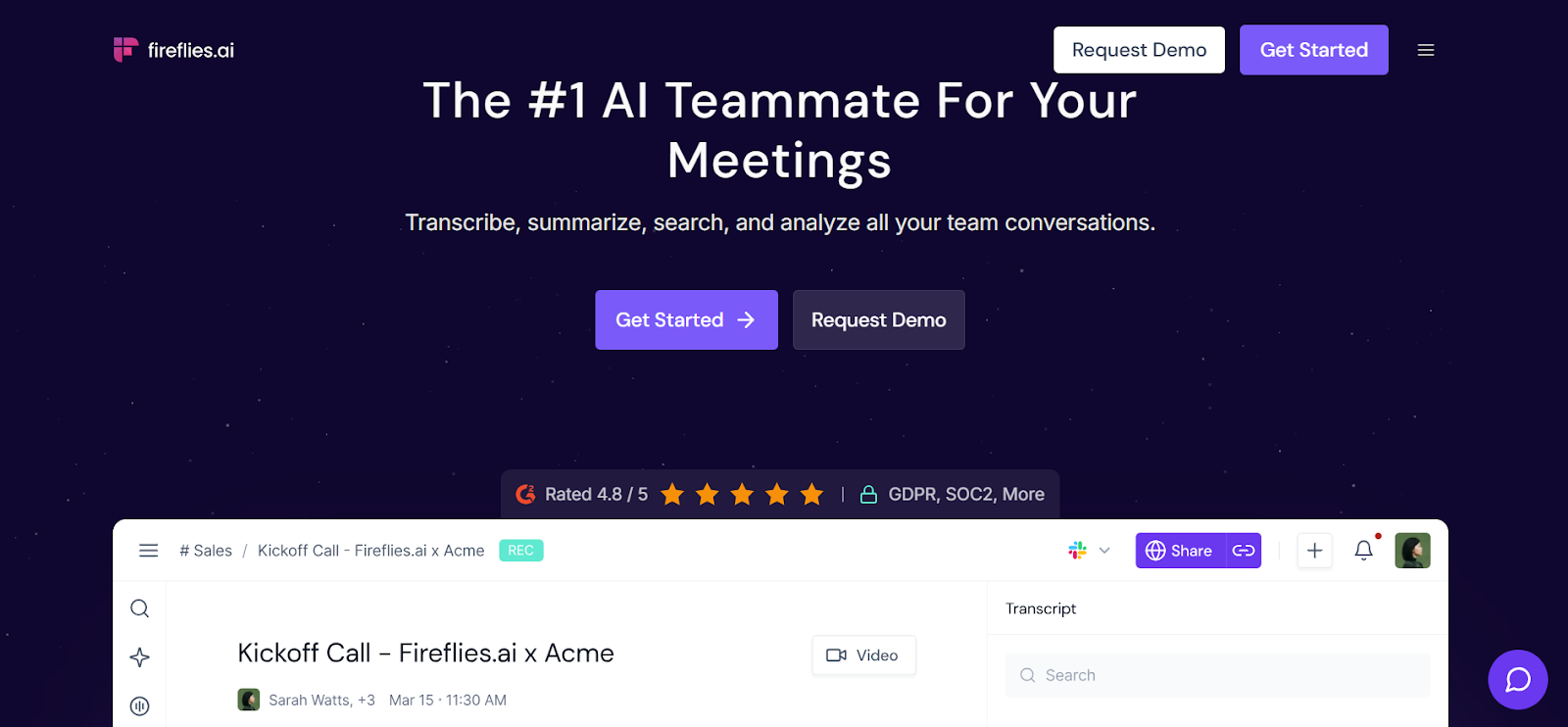
Meetings shouldn’t leave you typing notes. Let AI capture every word, summarize action items and boost recall.
You have to host many calls, client meetings or interviews and want to capture insights without distraction. Choose without a doubt.
Transcripts may mishear names or domain jargon.
Always review summaries before sharing.
Integrate Fireflies with your CRM so call notes will automatically land against the right contact or deal.
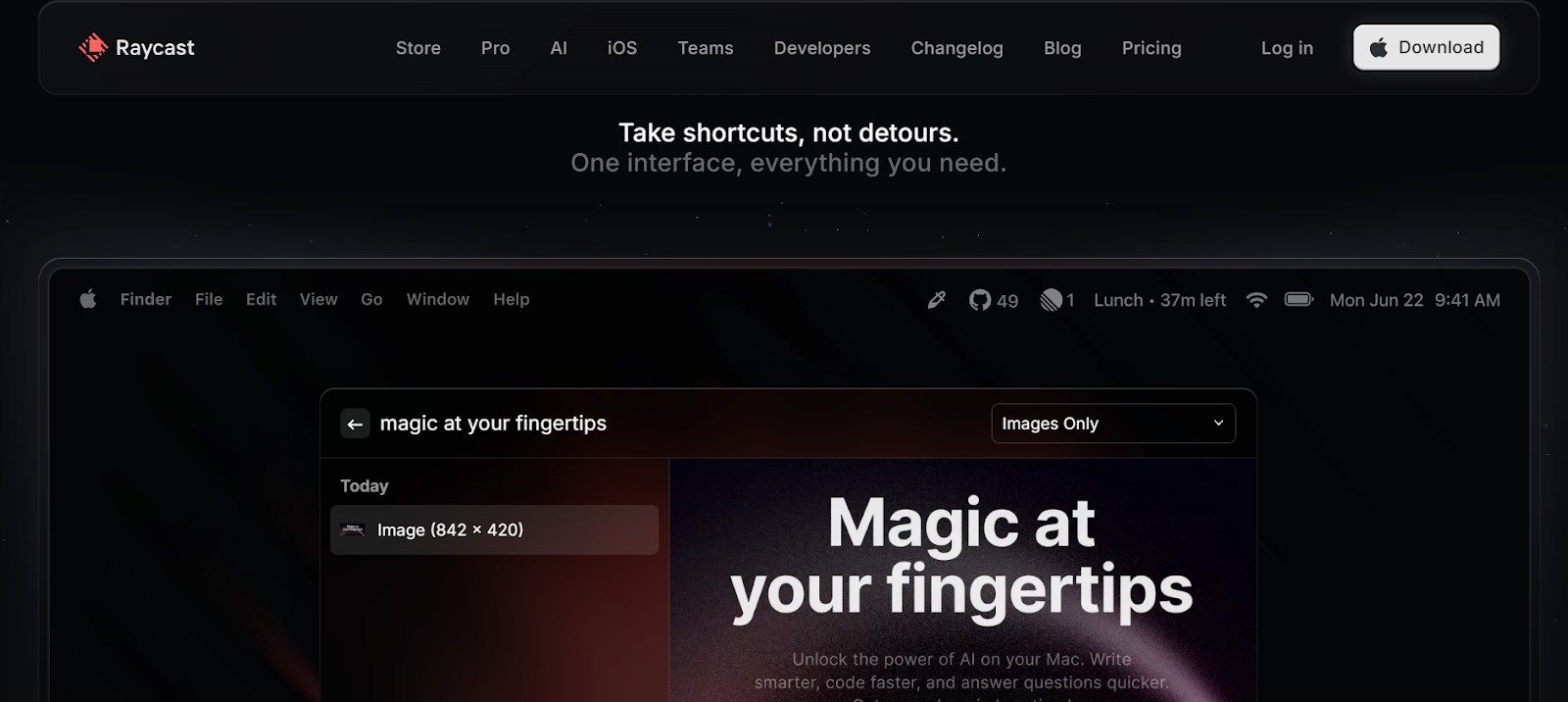
Your keyboard should be your fastest tool. Raycast lets you search apps, run scripts and open files instantly.
It fits perfectly when you prefer shortcuts and hate hunting through menus.
Plugins and scripts can slow things down.
Keep workflows lightweight.
Build custom commands: open a client folder, run a meeting agenda, start a timer. One keystroke will give infinite impact.
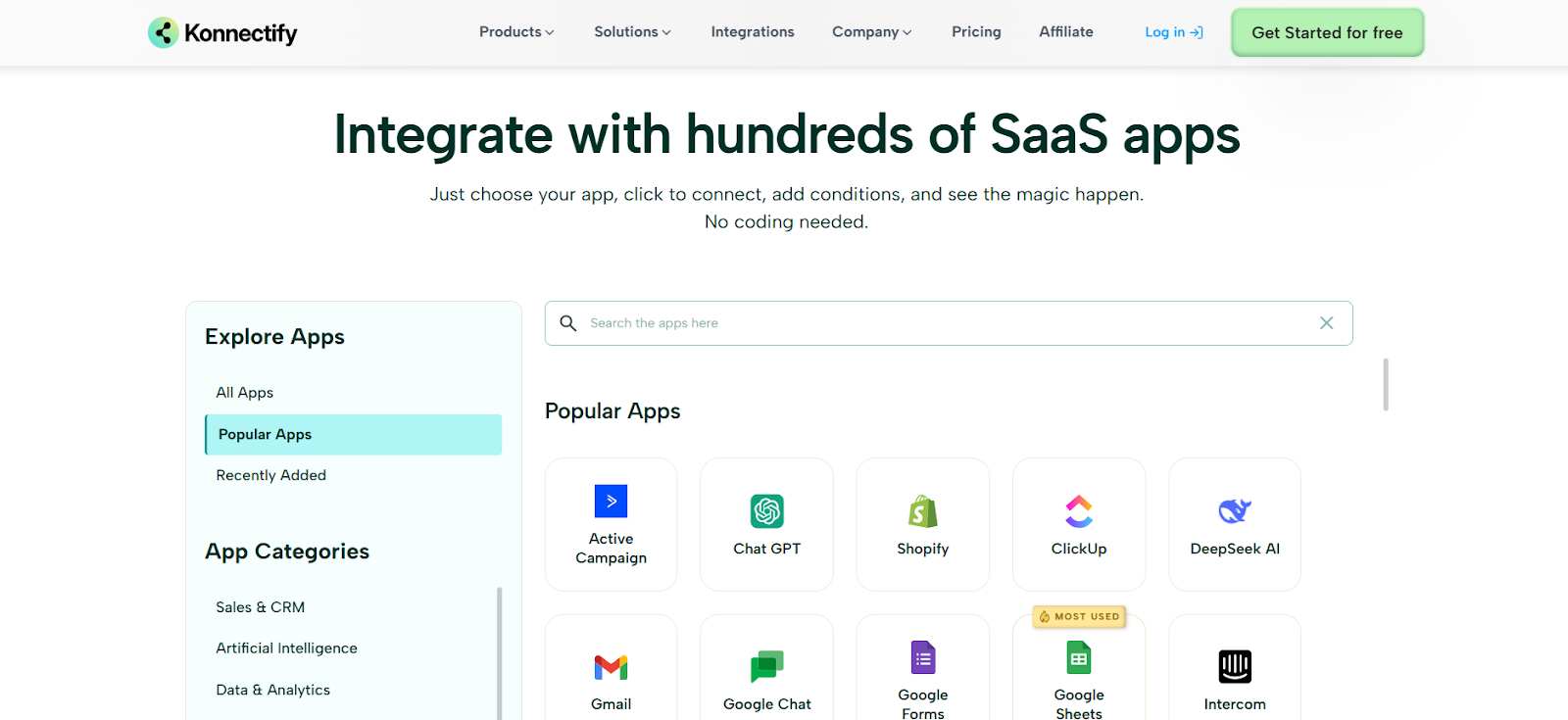
Your tools are powerful but, even more when they talk to each other. Konnectify connects your CRM, Notion, task manager and marketing apps into one smooth workflow.
You’re tired of copying data between platforms or losing context across tools.
Automations can multiply fast.
Review your flows regularly and keep only what truly saves time.
Start simple: sync new leads to your CRM, notify your team on Slack, and log meeting notes automatically.
Then expand to full-stack workflows that connect every part of your business.
|
Role |
App |
Interaction |
|
Knowledge & docs |
Notion |
Houses specs, proposals, systems |
|
Tasks & priorities |
Todoist |
Moves work forward daily |
|
Conversations to insight |
Fireflies |
Turns talk into action |
|
Instant access |
Raycast |
Commands your tools by key |
|
Connected Workflows |
Konnectify |
Keeps data and actions flowing between tools |
Together, they form a cohesive productivity stack not just a bunch of apps.
Each one fills a specific role and together they build momentum that scales.
The pace of work in 2025 leaves no room for lag.
Disconnected tools slow decisions, fragment data and multiply busywork.
When your
systems connect
notes link to actions
actions trigger automations
And automations sync results.
Your business will run smoother, your team will move faster and your focus will stay where it matters most: growth.
The smartest entrepreneurs aren’t just using more apps. They’re building systems that think and work together.